Choose a save level
Last updated 2026-10-30
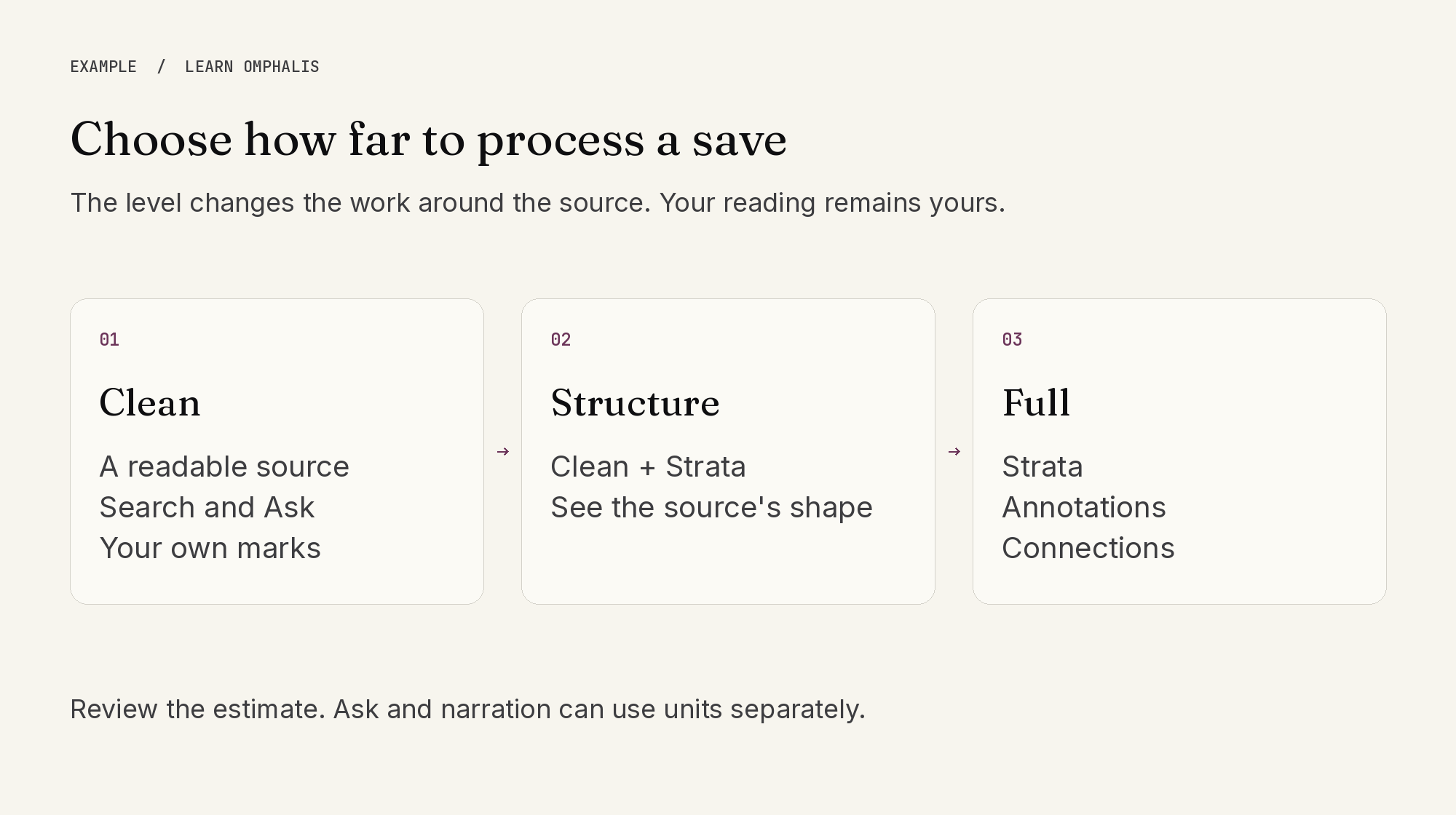
Choose how far to process the material you save. Clean gives you a readable copy to search, ask about and mark up. Structure adds Strata. Full adds Annotations and Connections. Choosing Clean does not stop you writing your own highlights and notes.
Where the save dialog shows an estimate, review it and use Change to choose a level for that save. An estimate depends on the source and the work required; it is not a guaranteed number of articles or pages. Ask and narration can use units separately.
Set your default in Library, then Manage, then Saving. Use Set by type for different defaults for articles and newsletters, documents, podcasts and videos, or notes and text. Changes apply to new saves; items already in Library keep what they have. Inbox sources have their own settings in Inbox, then Manage.
You can raise a saved item's level later to request missing processing. Available balance, document-reading entitlements and source accessibility still apply. A successful save does not prove that every part of a source was extracted successfully.