Discover and add sources
Last updated 2026-10-30
Discover suggests quality-checked pieces worth keeping, drawn from across the web and ranked by substance rather than noise. It sits inside your Library, so you can widen what you keep without leaving to go hunting; keep a piece and it lands in your Library like anything else.
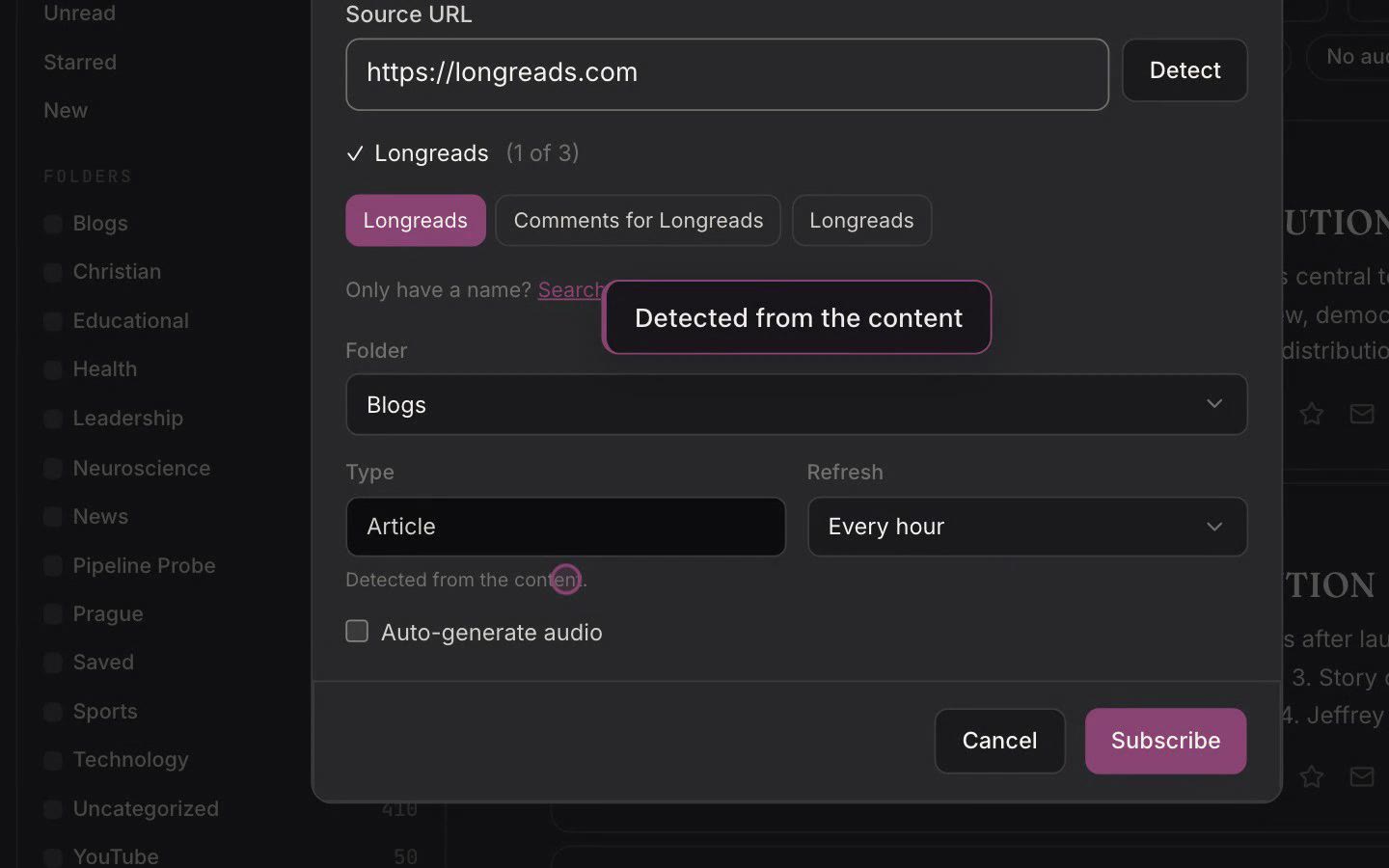
To follow a source so its new items arrive in your Inbox, use Add source in the Inbox. It takes a plain link: paste an article and Omphalis resolves the publication's feed, paste a podcast and it resolves the show. A source is the ongoing origin you subscribe to, and a feed is the stream of items it delivers.