Read and write side by side in a notebook
Last updated 2026-10-30
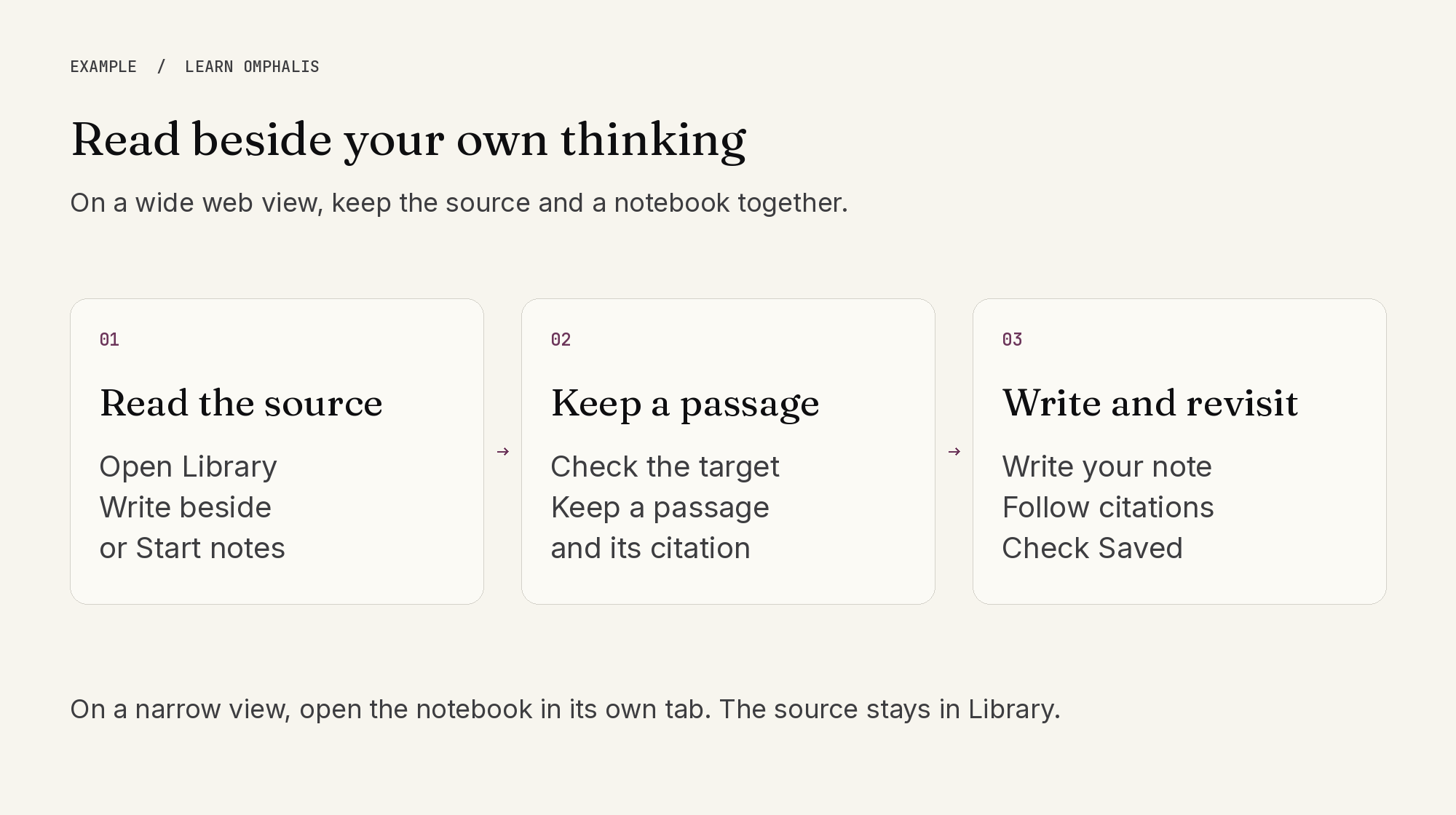
In a wide web view, open a source in Library and use Write beside to choose a notebook. Start notes creates a notebook for that source. The notebook opens beside the reader when there is room; on a narrow view, it opens in its own tab.
Before adding a passage or mark, check the notebook named by the capture action. Choose another notebook from its picker when needed. Keep the source reference with the passage, then write your own interpretation alongside it. Follow a captured citation back to its source to check the surrounding context.
Watch the notebook's save status. Saved confirms your edits were stored; Not saved means you need to resolve the problem before relying on them. You can open the notebook in full view when you need more writing space.
Notebooks are available to signed-in users. Storage allowances still apply to attachments, and Ask or other processing can use units separately. Your own writing does not become a verified conclusion simply because it sits beside a source.