Review everything you've marked
Last updated 2026-10-30
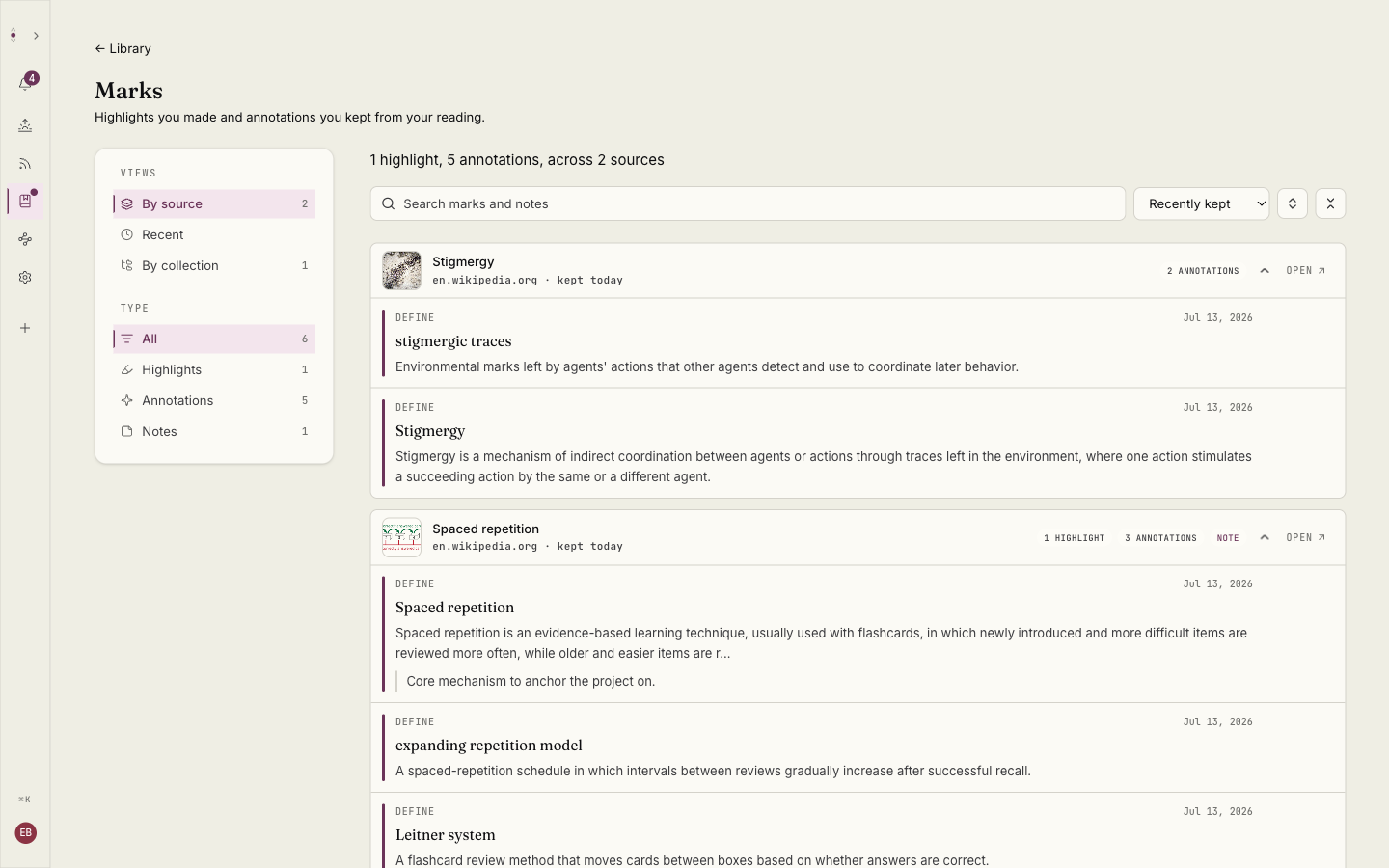
The Marks page gathers every mark you've made or kept across your whole Library in one place, so you don't have to reopen each item to find what you flagged.
Filter by All, Highlights, Annotations, or Notes. Highlights are the passages you selected yourself, kept the moment you make them. Annotations are the system Source, Define, and Expand marks you chose to keep. Notes gathers anything you added a note to.
Adding a note also keeps the mark, which is what guarantees a noted system annotation stays here rather than fading. To keep a system mark without a note, use its Keep action.