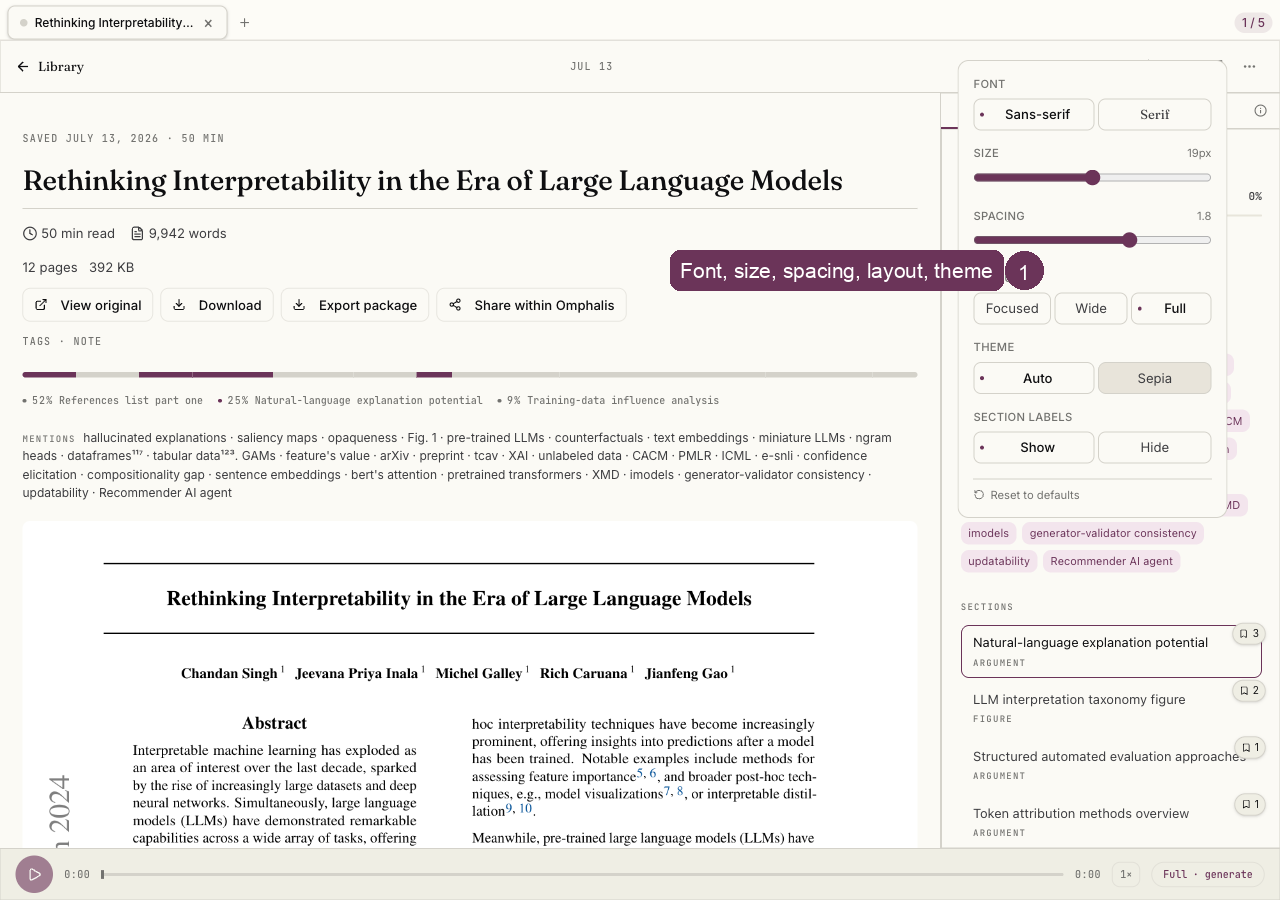
Reader settings
Last updated 2026-10-30
Reader settings change how the page looks, never what the source says. You pick the font, sans or serif, plus text size and line spacing for comfort, and a layout width: Focused, Wide, or Full.
A theme, Auto or Sepia, sets the tone, and you can show or hide the Strata section labels in the margin. Your choices persist across every item, so the reading surface stays the way you like it.