Keep a spoken thought
Last updated 2026-10-30
A voice note is a recording that lives in your Library like anything else you kept. In a notebook, type / and choose voice note: recording starts in the cell you were already writing in. A level meter shows the microphone is hearing you and a timer counts what you have said so far. There are two ways out, Stop recording, which keeps it, and Discard recording, which lets it go.
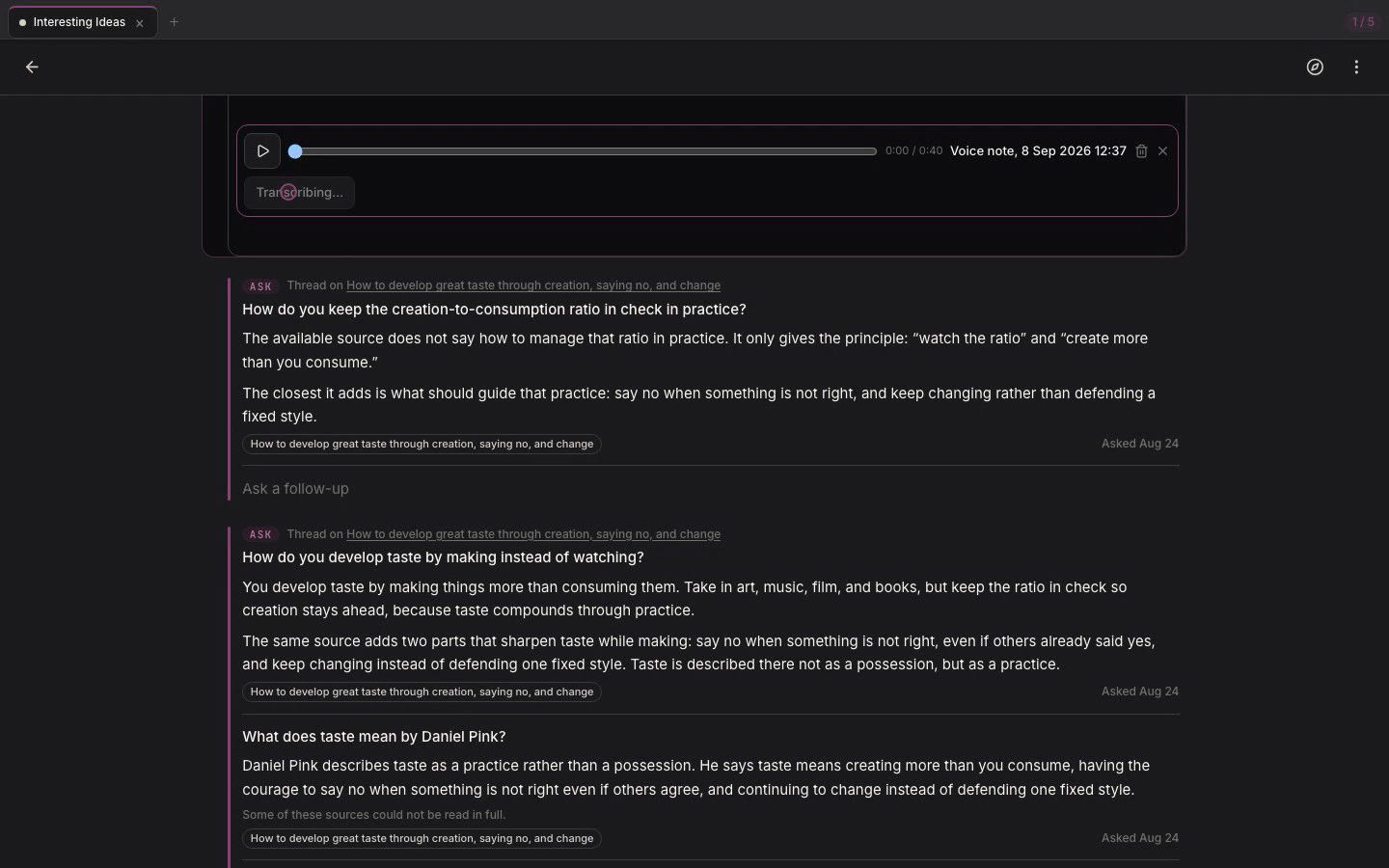
Stop, and the clip lands in the cell as a player you can scrub. Transcribe sits underneath it. Press it and the words arrive beside the audio, clamped to three lines with an expander when they run long. You can also bring in a recording you already have by sharing an audio file to your Library.
The transcript never replaces the recording. It is what you said, word for word, sitting read-only beside the audio, with the original still there to go back to. Speech carries things the text does not, so the recording stays the thing you kept and the transcript is how you search it.
A voice note is a Library item in its own right. It appears in search, Ask can answer from it, and it meets your other material on the Connections surface like any other source. Your own thinking and the things you save from elsewhere go through the same pipeline, which is why a recorded thought can turn up next to an article that argues against it.