Switch your active Space
Last updated 2026-10-30
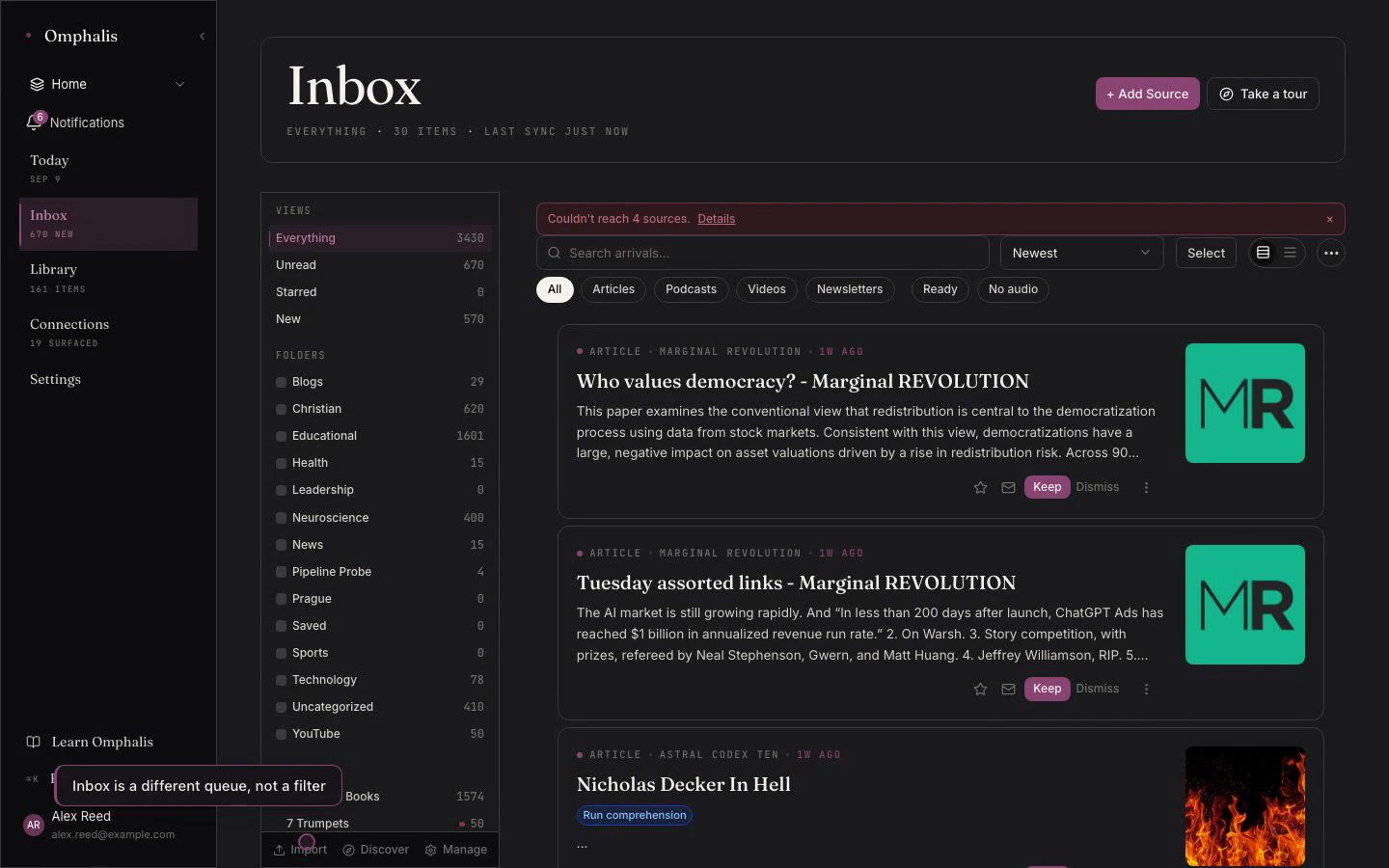
Every surface reads through one active Space at a time. The Space selector in the app shell sets it, and Today, Inbox, Library, and Connections all narrow to that context. Choose All Spaces to see everything at once when you want the wide view.
A new item joins your active Space, and each item keeps one owning Space so nothing is counted twice. A feed has a default Space, and promoting an item from Inbox to Library keeps the Space it came in through. When a Space has served its purpose you archive it first, which hides it without losing anything, and delete only when you are sure.